
THE FALL
- Compete against friends jumping on blocks to stay ahead and win.
- Shoot anything to manipulate objects to gain advantages and make others fall.
- Gain abilities that affect other players and the map around you to give you the winning edge.
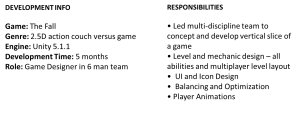
The Fall is a competitive, fast-paced, 2.5D action couch versus multiplayer game. Players compete against one another fighting vertically up blocks to stay ahead of other players for a consecutive time of 30 seconds. Like in king of the hill game modes the player who manages to stay ahead and rack up a consecutive amount of time wins the game.
DESIGN GOALS
Fast paced: I wanted the game to have high tempo gameplay with constant mayhem between the players. As the screen is constantly moving up and players were always moving, this was a key feature to keep in mind when designing the different segments of levels and the abilities which could be used within them.
Competitive : In a couch versus game I believe having competitiveness is a key feature for a fun gameplay experience.
Interactivity: I wanted players to be able to interact with everything and everyone. Interactivity was a key feature in the design process, as i wanted players to care about what other players where doing and be able to affect the outcome of what they were doing.
LEVEL DESIGN
Pre-game lobby
The player lobby was designed and created to account for the nature of the type of game The Fall is. As soon as the game starts players are within this fast paced environment with little to no time to learn how the game works. The lobby is the player select screen but also acts as a small tutorial space introducing new players to the mechanics and controls of the game.
The lobby was designed so that players had all the information they needed within this space to learn the game. Players know the controls and that they can join in through the displayed text. There are normal blocks and spiked blocks placed around so players can learn about jumping and death. They also have the opportunity to shoot things which teaches them the main mechanic in the game whereby they can shoot anything within the environment to rotate it. A laser block was decided to be placed in the centre to communicate this rotate mechanic and that players will come across different obstacle other than normal blocks. Furthermore there are powerups placed around the lobby making it a fun competitive play space whereby players can interactive with each other and the environment testing out abilities and generally getting comfortable with the games mechanics.
Once all players are comfortable and ready to go, the lobby communicates they can ready up through the on screen text and a tick/cross displays within the coloured spawn block relating to each player whether they are ready or not. This was designed to so other players could quickly and easily know if others are ready or not.
main level design
The level design was one of the biggest challenges in the design process of The Fall. As the design goals proposed a fast-paced, interactive and competitive experience I had to think about how I was going to construct the environment to fuel and compliment this experience allowing for flow, movement and agency.
I wanted the game to be in a space whereby players had to continually be moving competing against one another but be able to approach situations in their own way to allow for skill and competence in this fast paced chaotic environment.
As everything can be interacted with I came up with obstacles that affected the whole environment or a large space within it so most players would have to either dodge it or interact with it to get ahead or prevent others in doing so. With this in mind I decided to design a pendulum and laser block which affect the play space in different ways. Firstly the pendulum was designed so that depending on where you hit it, it can swing round to work greatly in your favor. For example if your behind and you shoot it the angle will make the pendulum swing up and round possibly hitting the leader with the spikes meaning they are temporarily eliminated. However if the leader shoots it from above its released with the flat side down so only potentially pushing the lagging players aside. The laser block also acts as a great territorial control as it spans across the level in any direction so it can be used to block the progression of others influencing them to react or be eliminated.
The rock trap when rotated drops rocks that bounce off blocks and on players slowing them and preventing them from jumping. I decided to add in rock traps and spike blocks at choke points to mix the game play up further influencing players to have to compete against one another. It also meant players were competitively interacting with the same block frantically trying to make it go in their favor so they can progress further cementing the design goals and creating a fun gameplay experience in a couch versus environment.

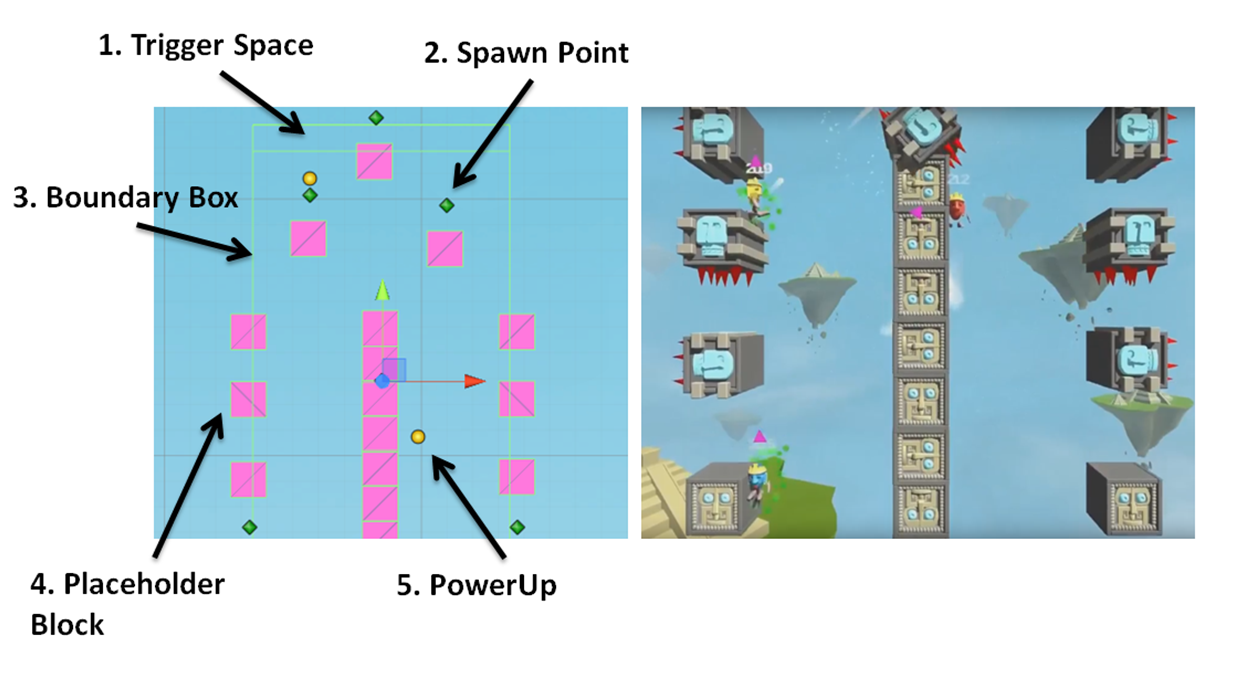
The levels are built up of pre-made prefabs and randomly ordered every time the game is played to allow for a different experience and sense of freshness every time the game is played. I created a total of 14 level prefabs each with their own unique layout with different obstacles. As we were continually coming up with new ideas for obstacles during the start of development we had to come up with a method of creating levels which accounted for new features and mechanics as they were different sizes and worked in different ways. This was achieved by creating a level manager which used placeholder blocks that spawned in the real blocks and obstacles on play. This meant I could easily go back and edit or change the prefabs I had created when a new feature had been implemented in the level design. I created each section of the level by placing these blocks in the correct position. I created and set the start and end points for moving blocks, and specifically edited any blocks position within the game that required it throughout development and after play testing.
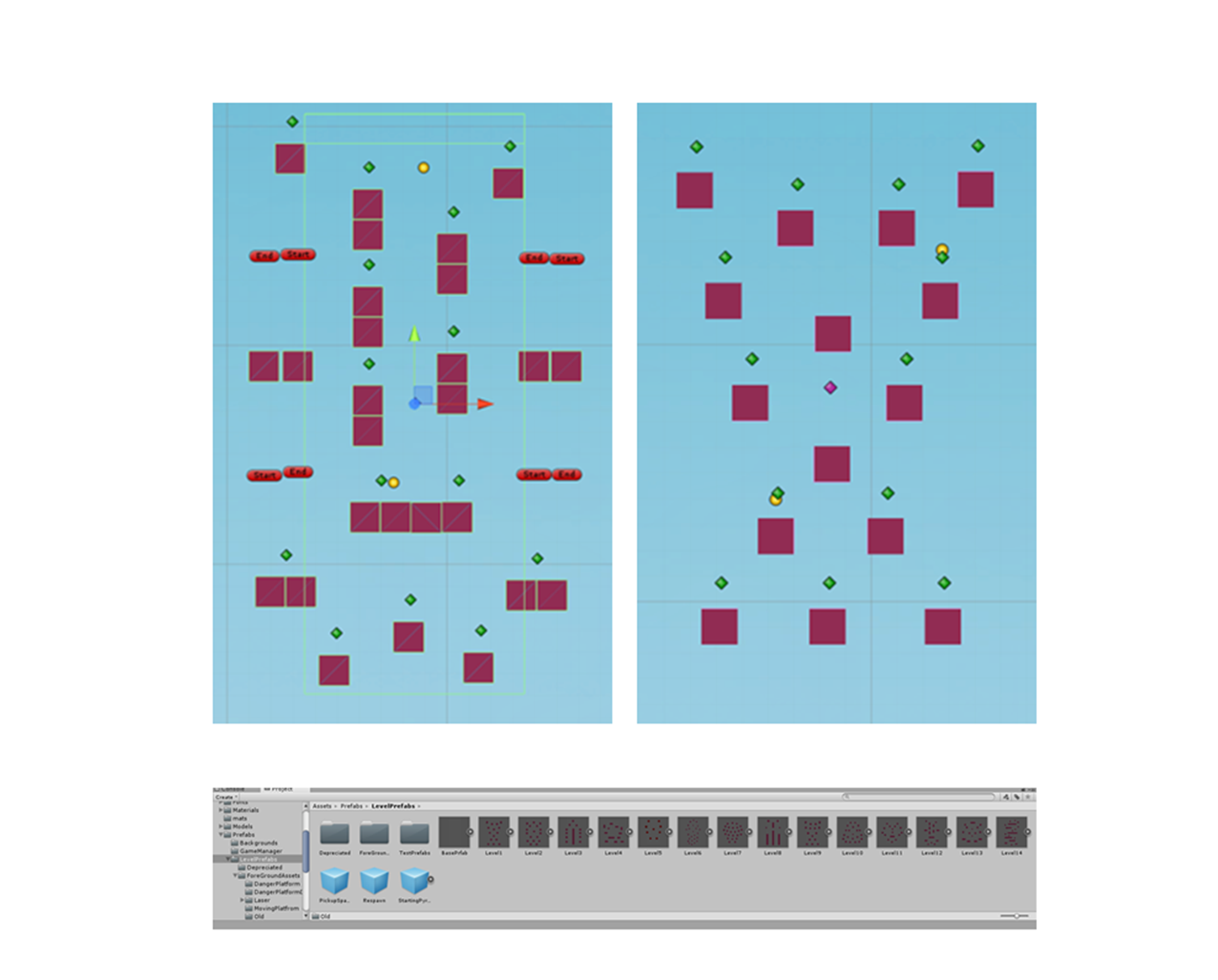
As shown in the picture above and below the prefabs were built using placeholder blocks that had to be within a boundary box on the y axis so the triggers worked to spawn the next couple of random prefabs for the continuing level. The hardest challenge within the level design was making sure every combination of level prefab connected together so that players could transverse seamlessly up the level. This was achieved by testing the game vigorously and laying out each prefab on top of one another adding, removing and generally getting the placement of blocks correct until the level prefabs flowed between one another. The same thought process went into the spawn points as well shown as the green diamonds below. Due to the fact we had conflicting obstacles such as the pendulum and spike blocks I had to make sure players weren’t spawning in the proximity of them and there were plenty spread out within the confined prefabs to make sure the game was accurately balanced and optimized. In addition the powerups were placed similarly, represented as the yellow circles below. Using this process it meant I could place these in specific positions like right next to obstacles which can be manipulated to influence players to interact with one another and in turn create competitive gameplay experiences.
ABILITY DESIGN
Below are examples of each ability within the game. The abilities where designed so that players could use them to either hinder other players progression or be used to gain distance to get ahead or catch up. They specifically draw on the key design goals of competitiveness and interactivity.
 Destructo Shot
Destructo shot is an ability which can temporarily disable a block so others fall straight through it and cant use it. This was designed so players can interactive with the map to hinder other players progression.
 Double jump
Double jump was originally in the game but it made the game play too easy for players to transverse up the blocks so we changed it to have a single jump and added in the double jump as a power up. This meant players were expected to fail more often with all the abilities and obstacles within the map but more skill was involved in wining. It also meant that players who were ahead or behind could use this movement ability to gain more of a lead or use it to catch up.
 Reverse PLayer Controls
Reverse player controls is an AoE burst around the player which was purely designed to annoy and hinder other players. As it has a large area of effect it usually manages to effect most players which creates a fun and competitive gameplay experience. I also wanted the ability to provoke an emotional response influencing other players to want go after who ever hinders them.
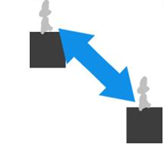 Swap player positions
The ability swaps the player who activates it with the player who is in the first position meaning its acts like the blue shell in Mario-Kart which nullifies the leader allowing others to either catch up or gain the lead. The ability was designed to help players who are behind as it not only stops players like the blue shell but it goes one step further and switches the leader to a lower position. Due to the nature of the game mode it allows the game to run longer for a more competitive gameplay experience.
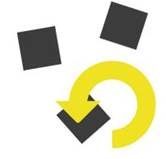 rotate all
The rotate all ability allows for absolute mayhem as it rotates not only the normal blocks players jump on but the different obstacles within the environment, which in turn led to several obstacles being created such as the laser and rock trap which has good synergy with the ability. It meant I could design levels with this ability in mind to fuel for a fun and intractable level which affects other players progress depending on the skill of players and how they execute the ability. For example using the ability at the right timing to rotate a laser blocking the path of another player.
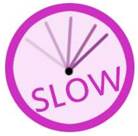 Slow Time
The slow time ability slows everything down apart from the player who activates it. It was designed to allow players to either catch up and get ahead of others or use it to assess the situation, approaching it carefully and strategically to hinder other players progress.
UI Design
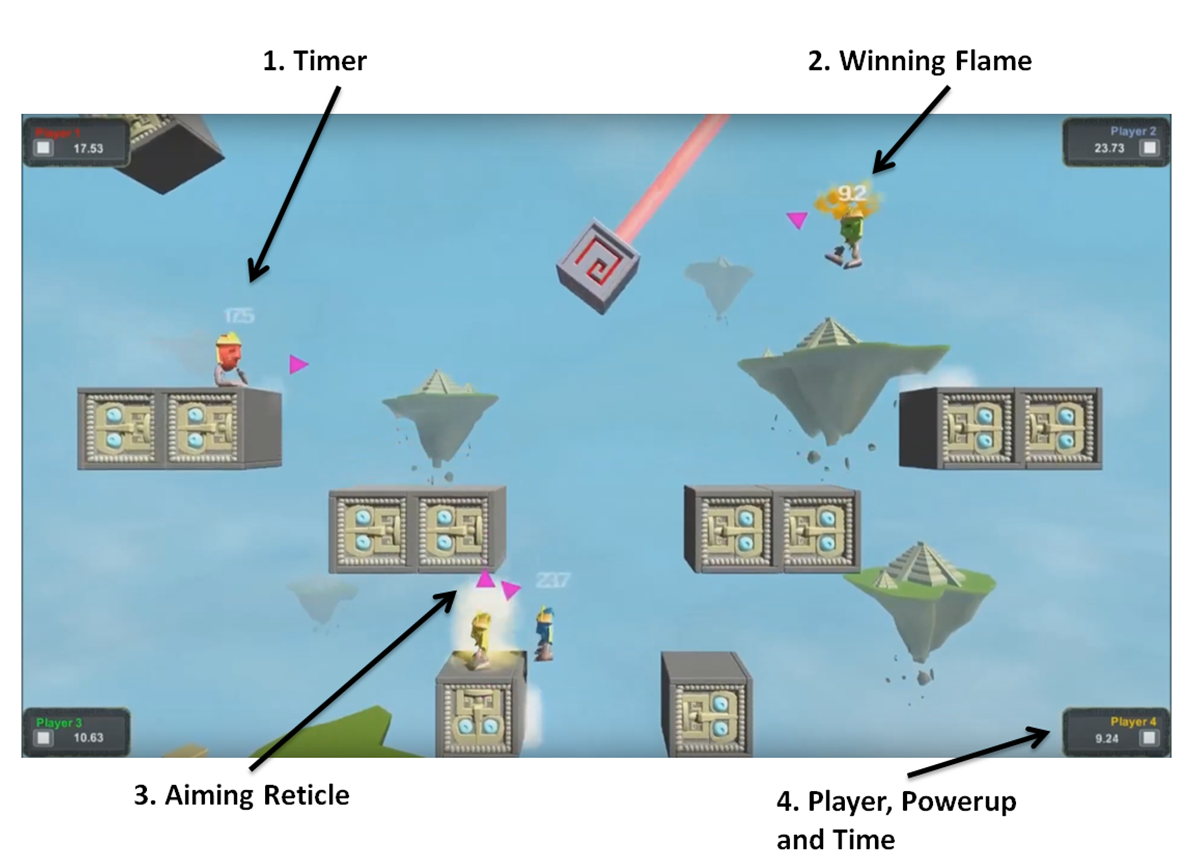
One of the main challenges when designing the UI was clearly communicating to the players how much time they had left to win and what direction they were aiming, especially within the constant moving game with lots of obstacles and abilities being triggered. Due to this fast paced gameplay and constant movement I decided to place each players individual timers above their heads so it was easy for players to view their own and other players time. Another challenge was communicating which player was currently winning, which was achieved by putting a flame effect above the players head when they had 10 seconds to go. This meant every player could easily see which player was about to win and could target them. In turn influencing competitive gameplay.
Players aiming direction was also a key function that had to be communicated to the player as everything within the environment can be manipulated by shooting at it so players always needed to know where to aim. This was achieved through a simple triangle that teleports to the direction the player aims in. This was so players could quickly and easily know which way they were aiming.
Animation
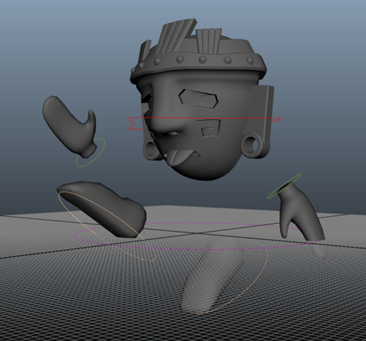
Due to there only being one artist on the team I picked up some of the tasks normally associated with that role. I felt this was a great opportunity to improve my skills so I created all of the player animations – Idle, walk, jump and slide. I had to make sure these were all created to the right timing to reflect the actions within game so they felt good to use and look at.
 oliver dowling